ComprehensiveGuidetoMobileDeviceManagement
What Are Device Management Solutions?
Managing mobile devices in a business environment can feel overwhelming. With so many devices, apps, and security concerns, it's easy to get lost in the details. Device management solutions are tools and strategies that help businesses oversee and control their mobile devices, laptops, and other technology. These solutions allow you to:
- Track devices remotely
- Enforce security policies
- Manage software updates
- Control app installations
- Protect sensitive data
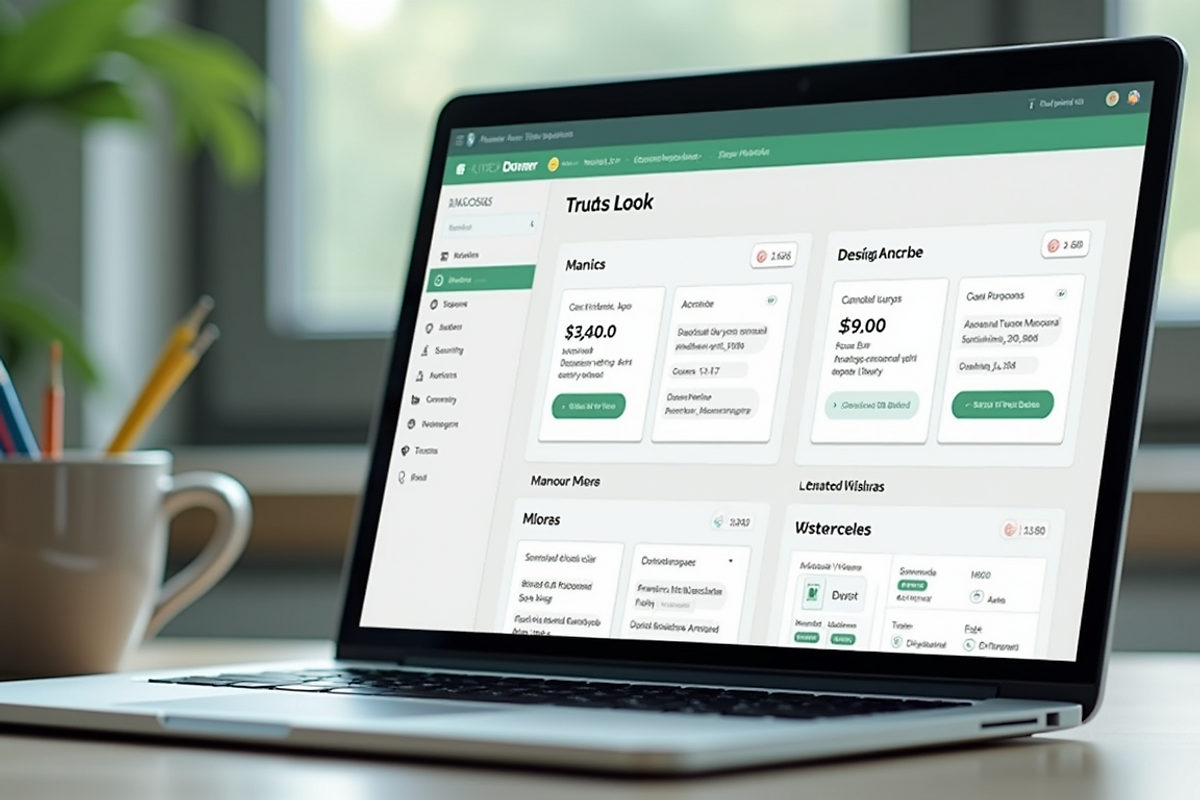
Think of it as having a central dashboard where you can see all your devices and manage them without needing to touch each one physically. This is especially useful when your team is spread out or working remotely.
For example, if an employee loses their phone, you can remotely lock or wipe the device to prevent data theft. Or, if a new security update is released, you can push it to all devices instantly. This saves time and reduces risks. Device management solutions come in many forms, from simple apps to comprehensive platforms. Choosing the right one depends on your business size, budget, and specific needs.
Why Device Management Matters for Your Business
In today's digital world, mobile devices are everywhere. They help your team stay connected and productive. But they also introduce risks. Without proper management, devices can become entry points for cyberattacks or cause compliance issues.
- Security: Protect your business data from unauthorized access.
- Compliance: Meet industry regulations and avoid fines.
- Efficiency: Save time by managing devices remotely.
- Cost savings: Reduce IT support costs and device downtime.
- Control: Set rules for device usage and app installations.
For small businesses, these benefits are even more important. You might not have a large IT team, so having a reliable device management system can be a game-changer. It lets you focus on growing your business while keeping your technology safe and efficient.
How Do I Check MDM on My Phone?
If you're wondering whether your phone is already managed by a device management system, here's how to check.
For iPhone Users
Open Settings, tap General, then scroll down and select VPN and Device Management. If you see a profile listed, your device is managed.
For Android Users
Open Settings, tap Security or Biometrics and Security (this may vary by device), then look for Device Admin Apps or Device Management. If any apps are listed as device administrators, your phone is managed.
Knowing if your device is managed helps you understand what controls are in place. Managed devices often have restrictions like limited app installations or enforced security policies. This is normal in a business setting to protect company data. If you find your device is not managed and you want to implement device management, it's a good idea to consult with an IT partner who can guide you through the setup process.
How to Choose the Right Device Management Solution
Choosing the right device management solution can feel like a big decision. Here are some key factors to consider.
- Ease of use: Look for a solution with a user-friendly interface. You want to manage devices without needing a tech degree.
- Compatibility: Make sure the solution supports all the devices your team uses, whether it's iOS, Android, Windows, or macOS.
- Security features: Check for features like remote wipe, encryption, and multi-factor authentication.
- Scalability: Choose a solution that can grow with your business. You don't want to switch platforms every time you add new devices.
- Support and training: Good customer support and training resources can save you headaches down the road.
- Cost: Balance features with your budget. Some solutions offer tiered pricing based on the number of devices.
- Integration: Ensure the solution integrates well with your existing IT infrastructure and software.
Best Practices for Managing Your Devices
Once you have a device management solution in place, follow these best practices to get the most out of it.
- Regularly update software: Keep all devices updated to protect against vulnerabilities.
- Enforce strong passwords: Require complex passwords or biometric authentication.
- Limit app installations: Only allow apps that are necessary for work.
- Monitor device usage: Keep an eye on device activity to spot unusual behavior.
- Educate your team: Train employees on security best practices and device policies.
- Back up data: Ensure important data is backed up regularly.
- Plan for lost devices: Have a clear process for reporting and handling lost or stolen devices.
Taking Control of Your Business Technology
Managing devices can be complex, especially if you're juggling other business priorities. A trusted IT partner can assess your current device environment, recommend the best solutions, handle setup and configuration, provide ongoing support and updates, and train your team on best practices.
Device management solutions are more than just tools - they're your business's safety net. They protect your data, streamline operations, and give you peace of mind. The right solution fits your unique needs and grows with you. Don't wait for a security issue to force your hand. Start exploring your options today and take control of your business technology.